Google Search Console Insights: How to Read GSC and Its New AI Search Data
You open Search Console on a Monday, glance at the big line chart, and feel a small hit of dread. Clicks are down 8% week over week. Or up 12%. Either way, the graph tells you that something moved, and almost nothing about why. Most people close the tab and get on with their day.
That gap—between what the numbers show and what you’re supposed to do about them—is the whole game. Search Console is the only place Google tells you, in its own words, which queries put you in front of real humans. The trick is knowing where to look, which reports lie by omission, and how to read the new AI-search traffic that’s quietly folded into your totals.
Start with the report everyone skims past
The Performance report is the heart of Search Console, and most people never leave the default view. That’s the mistake. The default shows total clicks and impressions across your whole site, which is exactly the number that’s too blurry to act on.
The four metrics matter in a specific order. Impressions tell you how often you showed up. Clicks tell you how often that showing-up earned a visit. Average position tells you roughly where you sat in the results. And click-through rate—clicks divided by impressions—is the one that actually diagnoses problems, because it isolates the thing you can most directly influence: whether your title and description convince someone to choose you.
Here’s the pattern worth hunting for. Sort your queries by impressions, high to low, then scan the CTR column. A query with thousands of impressions and a CTR under 1% is a page ranking on the edge of visibility—usually positions 8 through 15—where you’re technically “showing up” but almost nobody clicks. Those are your fastest wins. You already rank. You just rank in the basement, and a better title or a few hundred more words of genuine depth can move you into the range where clicks actually happen.
Filtering is where the report goes from decoration to diagnosis. Filter by a single page and you see every query that page ranks for—often dozens you never targeted. Filter by a query and you see which of your pages Google chose to surface, which occasionally reveals that Google picked the wrong page, cannibalizing a stronger one. Compare two date ranges and a “traffic is down” panic frequently resolves into “one seasonal query dropped and everything else is fine.”
The AI traffic hiding in your totals
Now the part that’s genuinely new. Over the past year, Google folded traffic from AI Overviews and AI Mode into the Performance report. When someone gets an AI-generated answer and your page is cited as a source, a click through to your site counts as an organic click. An appearance in the AI answer counts as an impression. It’s all in there—blended into the same totals you’ve always looked at.
The catch, and it’s a real one: Google does not give you a clean filter that says “show me only AI-search traffic.” There’s no toggle that isolates AI Overviews from regular blue-line results. So the honest answer to “how much of my traffic is AI now?” is that you have to infer it, not read it off a dashboard.
Inference is still useful. AI-driven search skews toward longer, more conversational queries—full questions rather than two-word fragments, because people talk to AI the way they’d talk to a person. So filter your query report for phrases containing words like how, why, best, vs, or can I, or simply for queries longer than five or six words. That subset is a reasonable proxy for the prompts feeding AI answers. Watch how impressions on those long-tail, question-shaped queries trend over time. If they’re climbing while your average position holds steady, you’re being pulled into AI answers more often—which is exactly the traffic pattern that’s reshaping search right now.
Two honest caveats. First, this is a proxy, not a measurement; Google isn’t tagging queries by surface, so treat it as a directional signal. Second, and more important: Search Console only sees Google. It knows nothing about whether ChatGPT, Perplexity, or Claude are citing you. For that blind spot you need a purpose-built tool—more on that below—because a growing share of buying-intent research now happens in chat interfaces that never touch a Google results page. If you want the deeper version of this argument, we made the case in why AI models cite some content and ignore yours.
A practical weekly routine
Insight comes from repetition, not from one heroic audit. A tight fifteen-minute loop beats an occasional deep dive you never actually schedule. Here’s a version that holds up:
- Compare this week to the prior 7 days. Not to last month—recent comparisons surface problems while they’re still fresh enough to fix.
- Sort by biggest click change, both directions. Rising queries tell you what’s working so you can double down; falling ones flag decay before it becomes a crater.
- Open the Pages tab and find your quiet climbers. A page gaining impressions but stuck at position 11 is one editing session away from page one.
- Check the Indexing report for anything newly excluded. “Discovered – currently not indexed” and “Crawled – currently not indexed” are the two statuses that silently strand good content.
That last one deserves its own paragraph, because indexing is where a lot of invisible traffic loss lives. A page that isn’t indexed can’t rank, can’t earn impressions, and can’t show up in an AI answer—it simply doesn’t exist as far as search is concerned. If the Indexing report shows pages you care about sitting in a “not indexed” bucket, that’s not a metrics problem, it’s an existential one. We wrote a full breakdown in why Google and Bing ignore your pages, but the short version is: confirm the page is crawlable, make sure it’s genuinely useful and internally linked, then ask Google to look again.
Where LinkRocket fits (and where it deliberately doesn’t)
Search Console is diagnostic. It’s superb at telling you what happened and mediocre at helping you do anything about it—by design, since Google isn’t in the business of writing your fixes. That’s the seam where a dedicated SEO platform earns its keep, and it’s worth being precise about which LinkRocket tools connect to GSC and which don’t.
Site Audit is the one with a real GSC hook. It crawls your site, grades a health score, and surfaces the technical issues—broken pages, redirect chains, thin content, missing canonicals—that quietly drag down the rankings you’re staring at in the Performance report. More to the point for indexing: from the audit results you can submit specific pages directly to Google for indexing through the Search Console integration. So when the Indexing report flags a stranded page and you’ve fixed whatever was wrong, you don’t have to bounce back into GSC and paste URLs one at a time—you push them for re-indexing from inside the audit. It closes the loop between “I found the problem” and “I asked Google to re-check.” For a step-by-step, our website SEO audit guide walks the whole crawl-to-fix sequence.
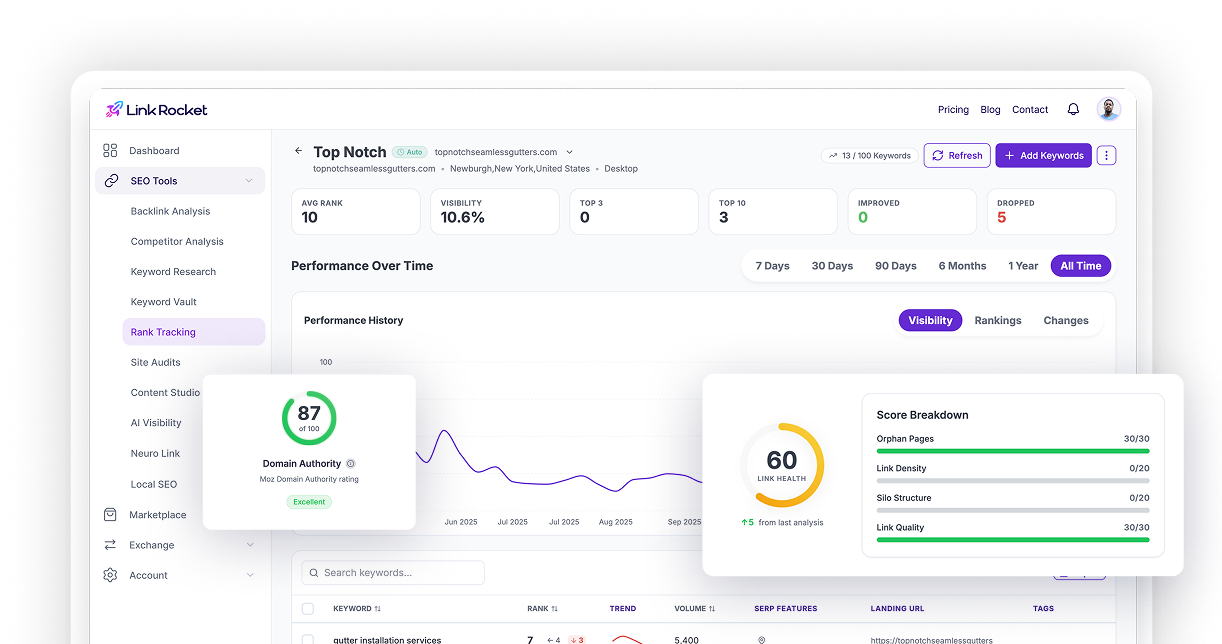
Now the honest limit, because it matters. LinkRocket’s Rank Tracking does not integrate with Search Console. It’s a separate system: you add the keywords you care about, and it checks their positions on a daily schedule with its own SERP data rather than pulling from GSC. That’s a deliberate design choice, not an oversight—Search Console reports the average position of every query you happen to appear for, blended and lagged, whereas a rank tracker measures the exact keywords you chose, on the location and device you chose, on a clean daily cadence you can actually chart. The two answer different questions. GSC tells you what you’re getting found for; Rank Tracking tells you whether the specific terms you’re fighting for are moving. It even records when your page owns a Featured Snippet or shows up in an AI Overview for a tracked keyword, which is a cleaner read on AI-surface presence than anything you can filter out of GSC. Just don’t expect it to inherit your Search Console history—it won’t, and that’s the point. Our rank tracking guide covers how to pick keywords worth tracking in the first place.
And for the blind spot Search Console can never fill—whether AI assistants are citing you—that’s a different tool entirely. AI Visibility monitors your brand across ChatGPT, Perplexity, Google AI Overviews, and Claude, which is precisely the surface GSC has no window into. If GSC inference tells you AI-shaped queries are rising, AI Visibility tells you whether the AI engines are actually naming you.
Reading the chart like it owes you money
The difference between people who get value from Search Console and people who don’t isn’t access—everyone has the same free tool. It’s the willingness to filter, compare, and ask “which page, which query, which direction” instead of accepting the top-line number at face value. The graph isn’t the insight. The graph is the invitation to go find the insight underneath it.
Start narrow. Pick one page that matters, open its query list, find the high-impression low-CTR line, and rewrite the title this week. Then check the AI-shaped long-tail queries and see whether they’re climbing. Do that loop a few Mondays in a row and the dread turns into a to-do list—which is the only thing a dashboard was ever supposed to give you.
Frequently asked questions
Does Google Search Console show AI search traffic?
Yes, but not separately. Google folds clicks and impressions from AI Overviews and AI Mode into your standard Performance report totals. There’s no filter that isolates AI-only traffic, so you infer it—typically by watching longer, question-shaped queries trend over time as a proxy for AI-driven demand.
How do I find high-traffic AI search prompts in GSC?
Filter your query report for longer, conversational phrases—queries of five or more words, or ones containing words like how, why, best, or vs. AI answers tend to be triggered by full questions rather than short keywords, so that long-tail subset is a reasonable stand-in for the prompts feeding AI results. It’s directional, not exact, since Google doesn’t tag queries by surface.
What’s the difference between clicks, impressions, and CTR?
An impression means your page appeared in results for a query. A click means someone chose your result and visited. CTR is clicks divided by impressions, expressed as a percentage. CTR is the most diagnostic metric because it isolates whether your title and description convince people to choose you, independent of how often you rank.
Does LinkRocket Rank Tracking connect to Search Console?
No. LinkRocket Rank Tracking does not integrate with Google Search Console. It measures the exact keywords you add, on the location and device you choose, using its own daily SERP checks rather than pulling GSC data. It answers a different question than GSC: whether the specific terms you’re targeting are moving, rather than everything you happen to appear for.
Can LinkRocket help get my pages indexed by Google?
Yes. LinkRocket Site Audit connects to Google Search Console, so from your audit results you can submit specific pages directly to Google for indexing. That closes the loop between finding a technical problem, fixing it, and asking Google to re-crawl the page without leaving the tool.
Does Search Console tell me if ChatGPT or Perplexity cite my site?
No. Search Console only reports on Google. It has no visibility into whether ChatGPT, Perplexity, or Claude reference your content. To monitor citations across those AI engines you need a dedicated tool such as LinkRocket AI Visibility, which tracks your brand across ChatGPT, Perplexity, Google AI Overviews, and Claude.
Turn Search Console signals into fixes
Search Console shows you where the problems are. LinkRocket helps you clear them—crawl your site, catch the technical issues dragging down your rankings, and push fixed pages straight to Google for re-indexing. See how LinkRocket Site Audit turns a pile of GSC symptoms into a ranked list of things to fix.