Keyword Vault
Keyword Vault Keeps Everything Organized.
Organize keywords into collections by campaign, client, or topic. Tag, annotate, and filter across thousands of entries in seconds. Import existing research via CSV and push keywords directly to Rank Tracking or Content Studio with one click.


The Challenge
Your Keyword Research Is Getting Lost
How many keyword spreadsheets are sitting in your Google Drive right now that you’ll never open again? How many times has your team researched the same topic because nobody could find the original file? How many promising keywords were discovered, exported to CSV, and then quietly forgotten?
This is the dirty secret of keyword research: the research itself isn’t the bottleneck. It’s what happens after. Keywords end up scattered across spreadsheets, Google Docs, Slack threads, and email chains. There’s no single source of truth, no way to know what’s been actioned versus what’s still waiting, and no connection between the research and the tools that turn keywords into content and rankings.
Keyword Vault eliminates the gap between research and action. Every keyword your team discovers lives in one place, connected to every tool that needs it.
What You Get
One Place for Every Keyword.
Connected to Everything.
Keyword Vault turns scattered research into an organized, actionable strategy library.

Collections
Organize keywords into collections that reflect your workflow. Create groups by campaign, client, topic cluster, funnel stage, or any criteria that suits your needs.

Tags
Tags provide an extra layer of organization that transcends collections. Label keywords by intent, priority, status, content type, or any custom tag you choose.

Notes & Annotations
Keywords require context. Use notes and annotations to provide essential context for each keyword, ensuring your team understands the rationale behind every entry.

Bulk Import / Export
Switching from spreadsheets? Quickly import your keyword research via CSV. The import aligns columns with Vault fields, preserving your historical data.

Cross-Tool Integration
Easily push keywords to Rank Tracking for position monitoring or send to other features in seconds. The Vault is central to your LinkRocket workflow, turning research into strategy and execution.

Search & Filter
With 5,000 keywords across 40 collections, quick access is essential. Instantly find any keyword in your research library, something impossible with 30 separate spreadsheets.
Works with Everything
The Hub Where Research
Becomes Strategy
Keyword Vault sits at the center of your LinkRocket workflow—feeding every tool that turns keywords into traffic.

Keyword Research
Every keyword you discover flows into the Vault, save winners directly from research results into organized collections without losing your place

Content Studio AI
Select keywords from the Vault and push them to Content Studio to generate optimized briefs and AI-written articles

Rank Tracking
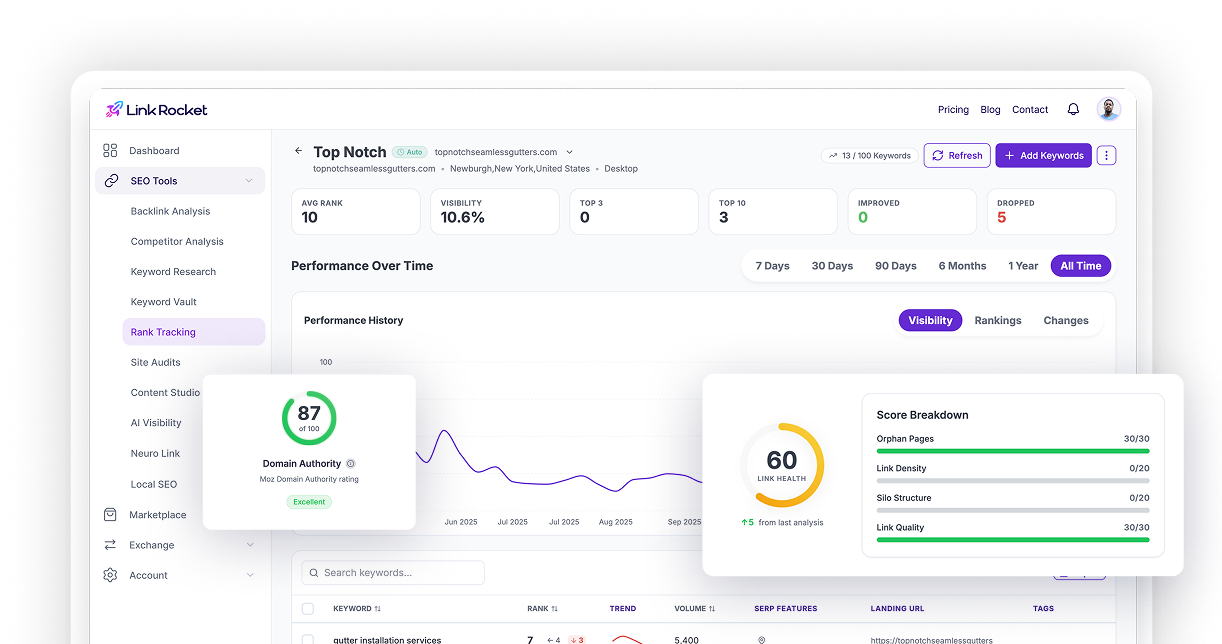
Push keywords from the Vault directly into Rank Tracking. Start monitoring positions for any keyword in your library without re-entering anything

Competitor Analysis
Cross-reference your Vault keywords with competitor rankings to identify which of your saved opportunities your competitors are already ranking for.