Broken Link Building: A Step-by-Step Guide With 5 Email Templates
Broken link building earns relevant links by helping site owners fix dead links. Here’s how to find opportunities, qualify prospects, and five short email templates you can adapt.
 Jeremy FergusonFounder
On this page
Broken link building is one of the few link building tactics where you're genuinely doing the other person a favor. Somewhere on their site is a link that leads nowhere. You tell them, and you happen to have a page that can replace it.
Done well, it earns relevant links from real sites. Done badly, it's just another spammy email in an inbox full of them. The difference is mostly in the research before you write and in keeping the email short. Here's the full process, five email templates you can adapt, and what to avoid.
At a glance
- How broken link building works, in five steps
- How to find dead pages and the sites still linking to them
- Five email templates, plus a follow-up
- The mistakes that get outreach ignored
- Updated November 2026
What broken link building is, and why it still works
Websites change. Pages get deleted, companies close, URLs move without redirects. Every one of those changes leaves dead links scattered across other sites, pointing readers to error pages.
Broken link building turns that into an opportunity. You find a dead page that other sites linked to, create a live page that covers the same ground (or find one you already have), and let those sites know. Site owners care because dead links frustrate their readers. You get a link that's relevant by definition: they already chose to link to that topic once.
How to find broken link opportunities
There are two good starting points. Use whichever fits your niche.
Start from dead pages
Look for pages in your niche that used to attract links and now return a 404 error. Common sources are closed businesses, retired tools, discontinued guides and old studies. Run a competitor's or an industry site's domain through a backlink tool, look at its most-linked pages, and check which ones are now dead. Every site still linking to a dead page is a prospect.
Start from resource pages
Search Google for pages that list links in your niche, for example "your topic" + "useful resources" or "your topic" + "helpful links". Check each page for dead links with a browser extension or crawler. Resource pages exist to link out, so their owners are used to adding new links.
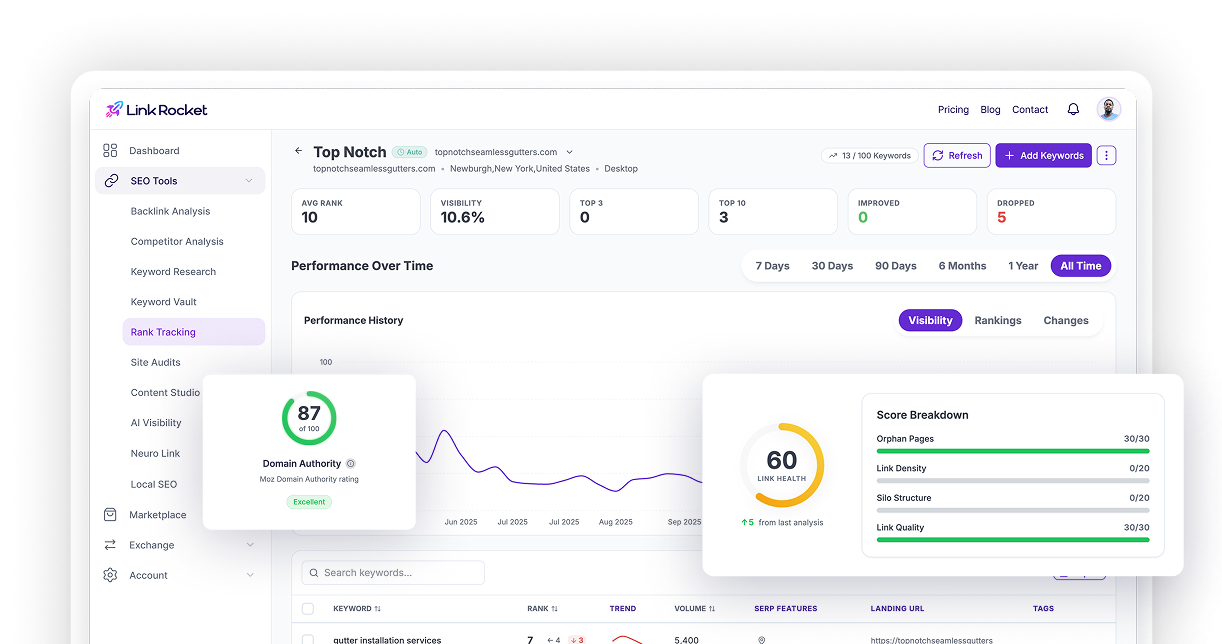
A site audit finds the broken links on your own pages. Fix those first: a site full of dead links is a poor advertisement when you’re emailing other people about theirs. LinkRocket’s Site Audit flags every internal link that points to a 404 or server error.
Qualify prospects before you write
| Check | Good sign | Skip it if |
|---|---|---|
| Relevance | The page is about your topic | The link would look out of place |
| Site quality | Real traffic and real content | It looks like a link farm |
| Page freshness | Updated in the last year or two | Nobody has touched it in years |
| A person to contact | A named author or editor | Only a generic contact form |
| Your replacement | Clearly as good or better | A loose match you’d have to stretch |
Ten well-qualified prospects beat a hundred random ones. Site owners can tell a mass email from a personal one in about two seconds.
Five broken link building email templates
Every template below follows the same rules: under 120 words, the dead link named exactly, the replacement offered once, and no pressure. Replace everything in brackets, and add one specific line that proves you read the page.
Subject: Broken link on your [topic] page
Hi [Name],
I was reading your [page title] and noticed the link to [dead site or page] in the [section] section now goes to an error page.
If you’re looking for a replacement, our [your page title] covers the same ground and is kept up to date: [URL].
Either way, thought you’d want to know about the dead link.
Thanks,
[Your name]
Best for: most prospects. Short, specific and useful even if they don’t use your page.
Subject: A dead link on [page title]
Hi [Name],
Your [page title] is one of the more useful lists on [topic] I’ve found. I noticed the link to [dead resource] is no longer working.
We publish [your resource], which might fit in its place: [URL]. Happy to send a short description if that helps.
Thanks for keeping the list going,
[Your name]
Best for: resource and link pages, where adding links is the whole point.
Subject: Quick question about [page title]
Hi [Name],
I found a dead link on your [page title] and wanted to let you know. Would you like me to send the details?
Thanks,
[Your name]
Best for: busy editors and big sites. No link in the first email; send the details and your page when they reply.
Subject: Updated version of [old resource]
Hi [Name],
Your article on [topic] links to [old study or tool], which has been taken down. We’ve published an updated version with [what’s new, such as 2026 data]: [URL].
Thought it might be a useful swap for your readers.
Best,
[Your name]
Best for: dead studies, statistics pages and retired tools, where your page is a clear upgrade.
Subject: Re: Broken link on your [topic] page
Hi [Name],
Just a quick follow-up on the dead link on your [page title]. No worries if you’ve already sorted it.
Thanks,
[Your name]
Send once, about a week after the first email. Then stop.
Mistakes that get outreach ignored
- Vague links. “A link on your site is broken” makes them go looking. Name the page, the section and the dead URL.
- Weak replacements. If your page isn’t a genuine substitute, the email is a disguised link request, and editors can tell.
- Long emails. Three short paragraphs at most. Nobody reads a wall of praise before the point.
- Fake compliments. “I loved your article” without one specific detail reads as a template.
- Too many follow-ups. One is polite. Three is spam.
- Bad timing on dead pages. Check that the page is really gone and not just down for a moment.
How to track your results
Keep a simple sheet with the prospect, the dead URL, your replacement, the date sent, the follow-up date and the outcome. After a few dozen emails you'll see which templates and which kinds of sites reply.
When a link goes live, confirm it and keep an eye on it. LinkRocket's Backlink Analysis lists a site’s referring domains, so you can confirm each new link and check it again later.
Broken link building takes time. When you need links faster, the Backlink Exchange lets you earn credits by hosting links and spend them on links from other members, and the Backlink Marketplace lists paid placements with DA, Trust Flow and traffic shown up front.
The short version
Broken link building works because it helps the site owner first. Find dead pages in your niche, see who still links to them, offer a genuinely good replacement in a short, specific email, and follow up once. Qualify hard, write briefly, and treat it as a steady habit rather than a blast. For more ways to earn links, see how to get backlinks.
Frequently asked questions
What is broken link building?
It’s a link building method where you find dead links on other websites, create or point to a live page that replaces the missing content, and ask the site owner to update the link to point to your page.
Does broken link building still work?
Yes, when it’s targeted. Site owners want to fix dead links, and a relevant replacement is a genuine help. Mass, untargeted emails get ignored.
How do I find broken link opportunities?
Look for dead pages in your niche that other sites linked to, using a backlink tool on competitor or industry domains, or search for resource pages in your niche and check them for dead links.
What should a broken link email say?
Keep it under about 120 words: name the page and the dead link exactly, offer your replacement once, and make it easy to say no. The templates in this guide follow that pattern.
How many follow-ups should I send?
One, about a week after the first email. If there’s no reply after that, move on.
How do I find broken links on my own site?
Run a site audit. LinkRocket’s Site Audit flags internal links that point to 404 or server errors, and Google Search Console reports pages it couldn’t reach.
Find link opportunities faster
See the pages your competitors’ links point to and the sites linking to them, then turn them into prospects. Start on the Free plan.